 Stopwatch Max Blog
 How to time laps on Apple Watch with Stopwatch Max
Unlike Apple's native stopwatch, Stopwatch Max shows global time and current lap split simultaneously. Three ways to capture laps without breaking stride.
You’re 200 metres into a 400m rep. Lungs burning, arms pumping — the last thing you want is to fumble with a screen. Stopwatch Max gives you three ways to capture a lap without breaking stride.
Two clocks, not one
Apple’s built-in stopwatch shows one number. Stopwatch Max shows two: the global elapsed time (how long you’ve been running in total) and the current lap time (how long this split is taking) — both live, both updating simultaneously.
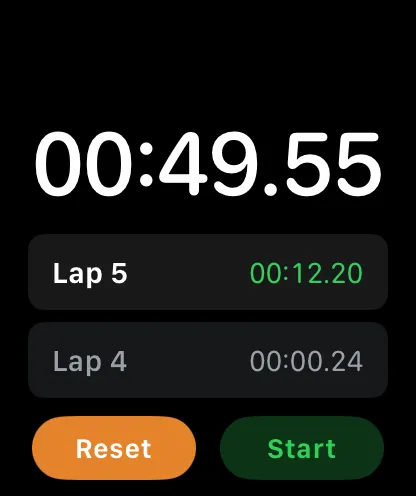
That distinction matters more than it sounds. When you’re three laps into a 5K, you want to know your total time and whether this current rep is on pace — without doing mental arithmetic. The two timers give you both at a glance.
Double-tap — the hands-free way
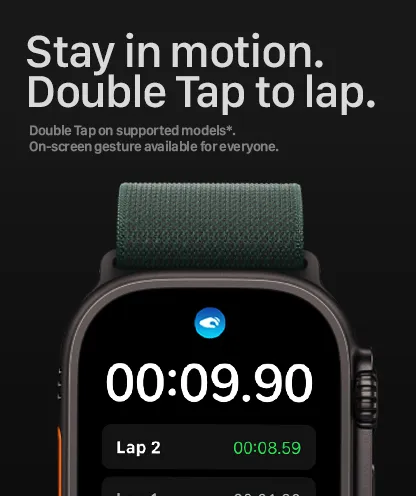
Raise your wrist and double-tap the display. That’s it.
On Apple Watch Series 9, Ultra 2, and later, the hardware gesture maps directly to lap capture — no touching the screen required. Older models get an on-screen double-tap gesture instead. Either way, your hands stay free and your rhythm stays intact.
Side button — the reliable fallback
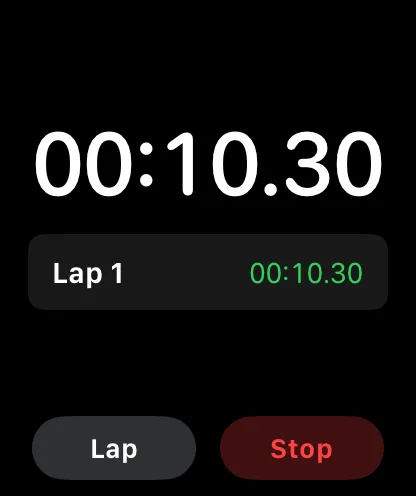
Press the physical side button on the crown side of your watch. It clicks with a satisfying tactile response and works on every Apple Watch model ever made.
Gloves on? Wet hands? Cold fingers? The side button doesn’t care. It’s the method to reach for when conditions are rough and you need certainty over convenience.
Siri — when both hands are occupied
Say Hey Siri lap after setting up the included Siri Shortcut. Mid-swim turn, loaded barbell, hands in the dirt — if your wrists aren’t free, your voice usually is.
Three ways in, zero reasons to break stride.
Pick the right method
| Method | Hardware | Best when |
|---|---|---|
| Double-tap | Series 9, Ultra 2+ | Running, cycling, dry conditions |
| Side button | Every Apple Watch | Gloves, water, cold |
| Siri | Every Apple Watch | Both hands occupied |
A couple of tips worth knowing
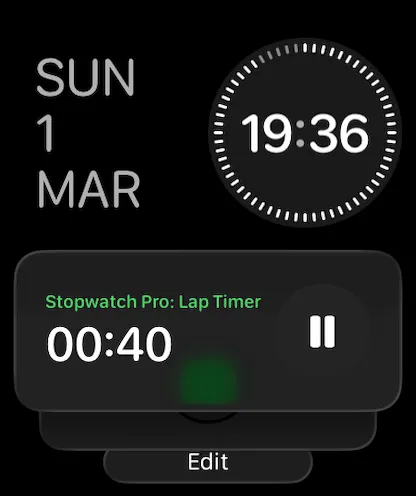
Add the complication to your watch face. A glance shows elapsed time without opening the app — no interaction needed.
All lap data lives on-device. Nothing is sent anywhere.